List lookups
Lists are an excellent way to eliminate the need for complex logic in mappings and to externalise specific mappings into an easy to manage list so that if new entries, or changes to the entries are needed the mapping does not need to be edited.
Lists are created in Setup, User Lists. You can press the plus icon to add a new one or upload (lists can be downloaded/ uploaded to/from a spreadsheet.
This list is a list of account ids with the corresponding currency that they report in:
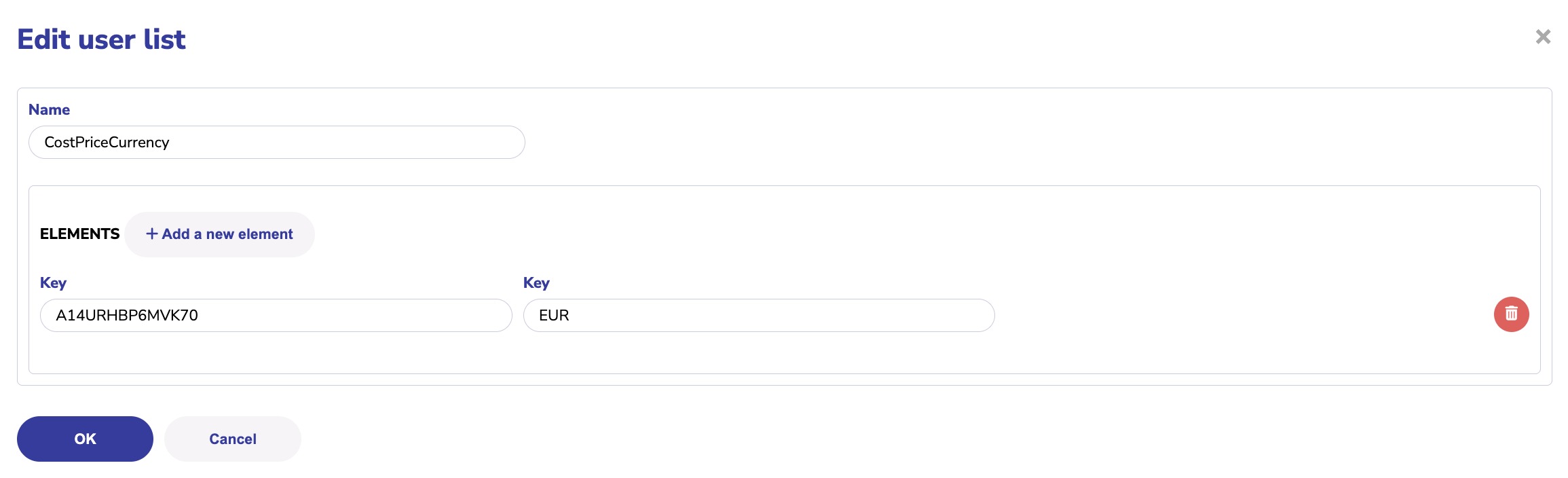
The list name is key as this must be referenced exactly in the mapping. Here is the logic block to lookup in the list:

Where we are using the value from column 1 to find the value in column 2.
Warning be sure not to have an empty row at the bottom of the list if you add it through the screens.
Use the logic like this if you want to first find out if there is an entry in a list:

Was this article helpful?
That’s Great!
Thank you for your feedback
Sorry! We couldn't be helpful
Thank you for your feedback
Feedback sent
We appreciate your effort and will try to fix the article